Toolbelt AIO
Every tool on the job. One belt.
The all-in-one workspace for contractors — write estimates, keep clients updated, automate material orders, send invoices, close out bills, chat with your crew and share jobsite photos, from the first bid to the final walkthrough.
Web · iPhone · Android
Early access
Contractors, remodelers & multifamily renovation teams
Estimating, scheduling, chat, invoicing & photo apps
(01) // Briefing
Most contractors run their business across a dozen disconnected apps: one for estimates, another for invoices, a group text for the crew, a camera roll full of jobsite photos and a spreadsheet duct-taping it all together. Toolbelt AIO puts every one of those tools on a single belt.
Write and send estimates, lock in signatures and deposits, and schedule your crews. Turn progress photos and field notes into polished client updates. Automate material ordering, track labor and material costs, send invoices and close out bills without retyping a thing. Your team talks in project channels — kept separate from customer conversations — and everyone works from the same photos, plans and next steps.
It scales from a single kitchen remodel to a multi-unit apartment renovation, with master projects, per-unit tracking, consolidated invoicing and role-based access for owners, project managers, office staff, crews, subs and customers — on the web, iPhone and Android.
(02) // Capabilities
What it does
- MOD 01
Estimates & approvals
Build professional estimates, capture signatures and lock in scope before the first nail.
- MOD 02
Client updates
Progress photos and field notes become updates your customers actually read.
- MOD 03
Automated ordering
Streamline material orders so the right stuff lands on the jobsite on time.
- MOD 04
Invoices & closeout
Send invoices, record payments, track costs and close out bills cleanly.
- MOD 05
Crew chat
Every jobsite conversation in one place — internal threads and client threads kept apart.
- MOD 06
Photos & documentation
Share pictures, notes, checklists and final reports with the whole team.
(03) // Flight plan
How it works
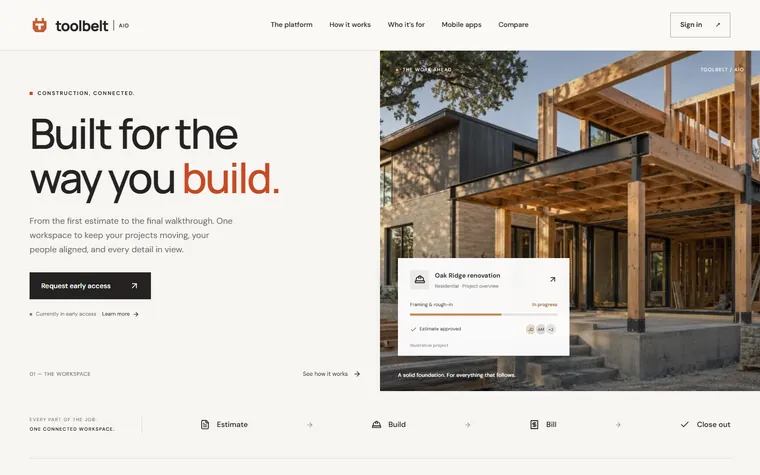
- T-4 · Step 01
Estimate
Agree on the work — estimate, signature and deposit.
- T-3 · Step 02
Build
Schedule crews, chat, share photos and keep the client posted.
- T-2 · Step 03
Bill
Handle changes, orders, invoices and job costs.
- T-1 · Step 04
Close out
Final walkthrough, documents delivered, bills closed.